How to change the default “View on the Web” URL in FireFTP
There was a discussion in the Forum that included this question “Does anyone know if there is a way to change the default URL from EcoWebHosting?”. Someone else added “I think he is saying when you have the ftp open and you click open on your index.html file, it opens through the local path. That is what was happening to me. Even after it was saved and uploaded to the server, it still shows the local path in the browser. I could not figure out why my ajax wasn’t working and that was the issue. I had to manually type out the ip and domain on my web browser because simply clicking on my file from the server would not open it on the server side address. So the question would be is how do you get it to open with the web url vs. the local path when clicking on it through ftp.”
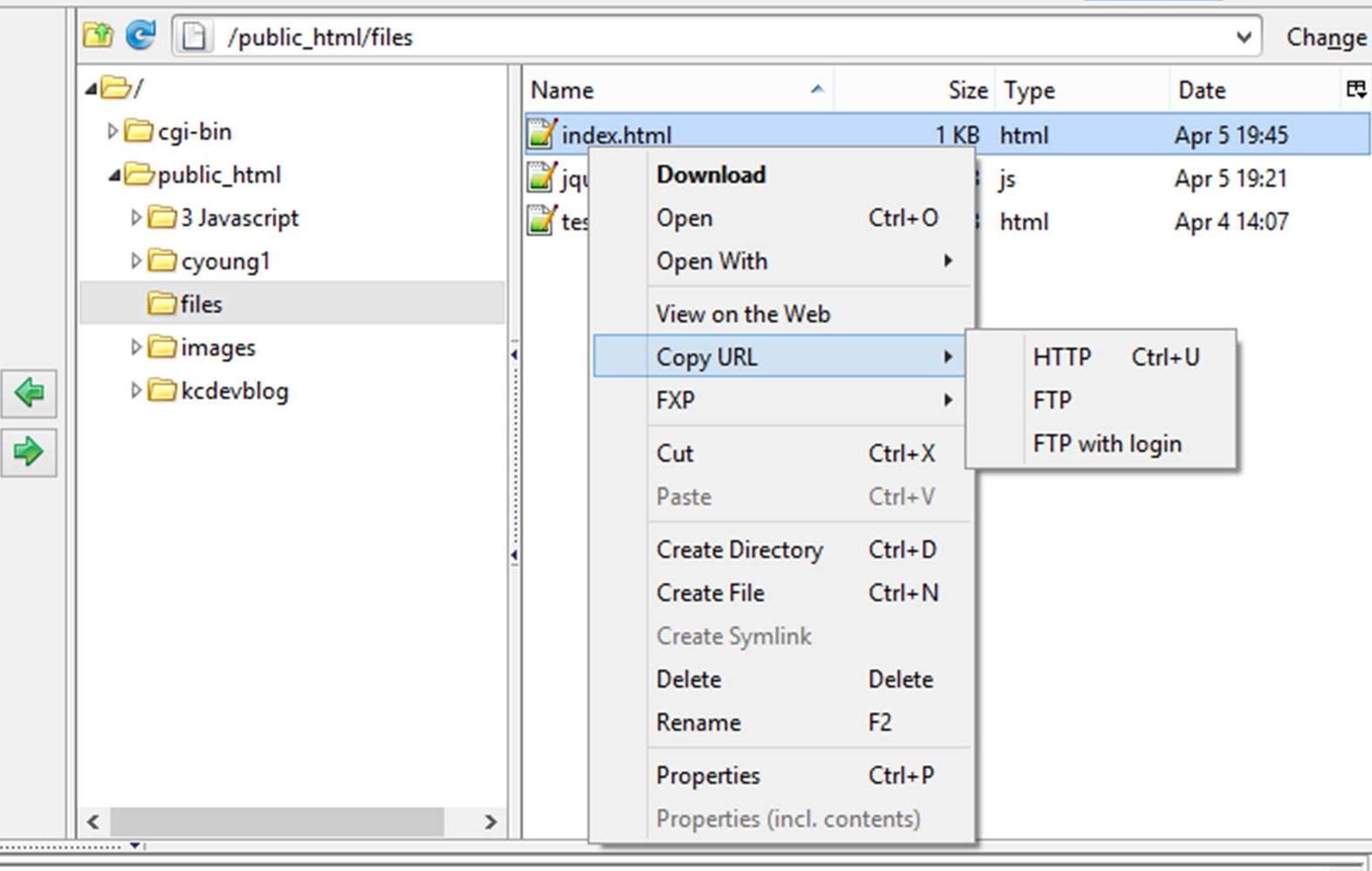
I didn’t know the answer to this, as I haven’t been doing thing this way, so I experimented and googled. I am using FireFTP in Firefox with Win8. My dashboard looks like this.

When I right-click on a file, such as index.html, in the right pane which is on the server, I get a menu that has an option copy URL, and a sub menu that includes HTTP.
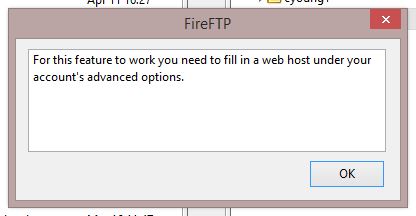
When things are not set up, the copy URL with HTTP option gives this message.
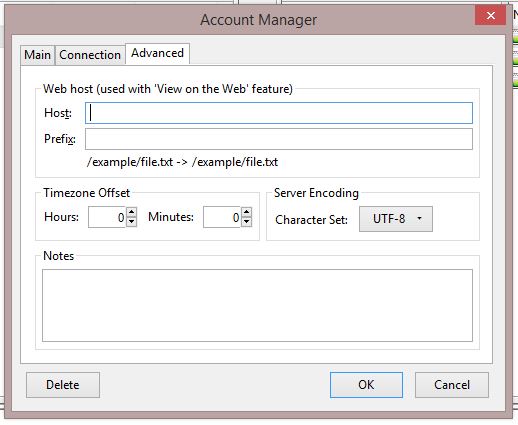
I clicked on edit on the connection left side and looked at the advanced tab, but didn’t know what to put in the boxes. This is the same box you get when you create the connection.
So I googled “fireFTP advanced web host”, which took me to the help pages for FireFTP http://fireftp.net/help.html. I used “find” to get to the section, What is the “View on the Web” feature and what do you put in “Host” and “Prefix” it to work?
The instructions didn’t totally make sense to me, so I just tried some variations and came to the solutions that these settings worked for me.
Host: http://176.32.230.9/karencropperdev.co.uk/
Prefix: /public_html
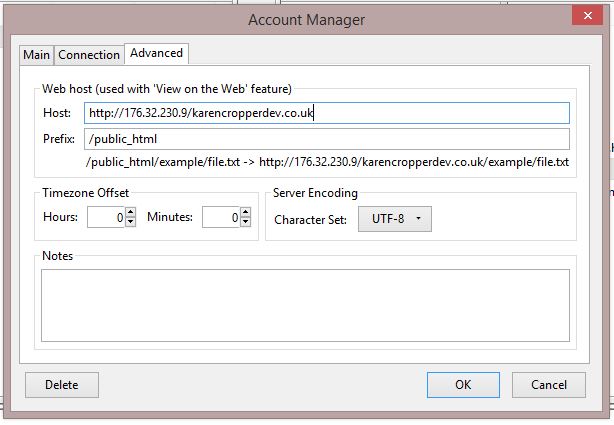
Now I can right-click on any file on the server, select copy URL then HTTP and then open a new tab and paste into the address bar to view the page.
Further reading
Five FTP Connection Issues and How to Fix Them (robpercival.co.uk






Recent Comments