MIT App Inventor 2
I am curious to create a multiple choice quiz app and it occurred to me to search for some video tutorials on how to code using the things I have learnt so far. Two things came up as tools for building apps without hard coding – codiqa and MIT App Inventor 2.
I decided to check out MIT App Inventor as I feel my purpose in educational rather than financial.
It is set up to test in real time on an adroid device connected to the same wifi network. I read the instructions once before trying this out. Now I am typing my experience as I go. My tablet is an ASUS Memo 7 inch. I followed instructions on this page http://appinventor.mit.edu/explore/ai2/setup-device-wifi.html. Installed MIT AI2 Companion.
You then build your app on your computer in your browser – you need to connect it to your google account (the same one as your playstore account). You have to accept the terms of service.
There is a survey to do – as it is a free service I think doing the survey is the fee. The questionnaire asks if I have used Scratch. I’ve never heard of it so something else to look up*.

I gave the basic tutorial a go first: http://appinventor.mit.edu/explore/ai2/hellopurr.html
Made the cat meow, but no vibration as the tablet doesn’t have a vibration mode. So I installed the AI2 companion on to my phone too, and yes, it vibrated.
Next I tried this intermediate project tutorial, because it was a quiz, although the example of baseball was meaningless to me: http://explore.appinventor.mit.edu/ai2/quizme

It took a long time, but learnt a lot about how to use the interface and got it working as the example. I think the environment is interesting to get you learning about the pattern of the logic that you need to follow to make things work, so it has a value for learning in itself even if it’s not the thing you ultimately use to make an app.
My third app is still work in progress. I am off on my own now trying to adapt what I have learnt from the quiz app. Firstly I thought I could make it some other subject matter of birds or art images. I decided art. Then I wanted it to look better.

I decided need to make all of the images the same size and landscape 4:3 – to fit my Android tablet at full width that means images 800x600px. Set up a Powerpoint master slide custom size 6.77cm x 5.08cm (with my set up of saving images at 300dpi). I think that would probably work OK with all tablets but be too big for phones – something else to check about screen dimensions – I did have a cursory google and look at some tables but the issue is there are so many variations of sizes.
Need to use copyright free images and have a record of where they have come from in case anyone were to check. Perhaps store in a spreadsheet or database? Credits in the app?
The things that I still need to do on it are:
- Add a welcome screen.
- Do a scoring system and give a score at the end.
- Make it multiple choice – lists of lists.
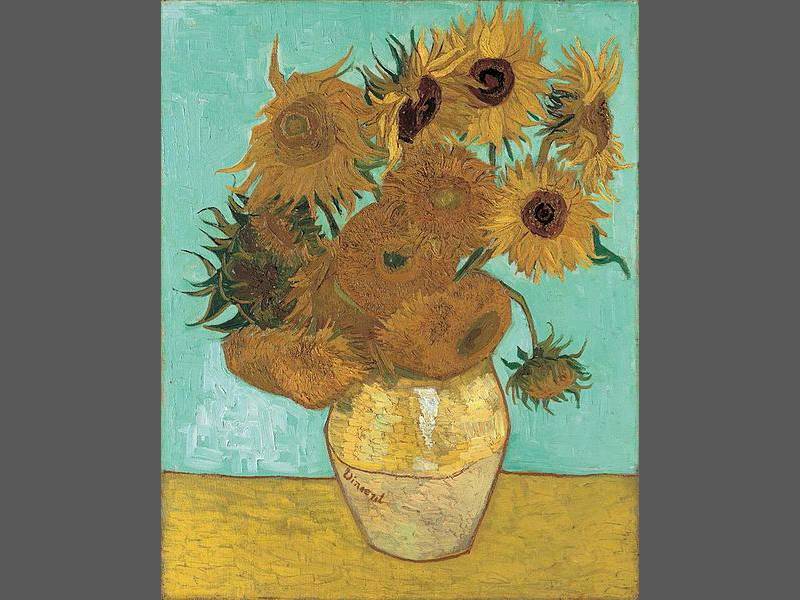
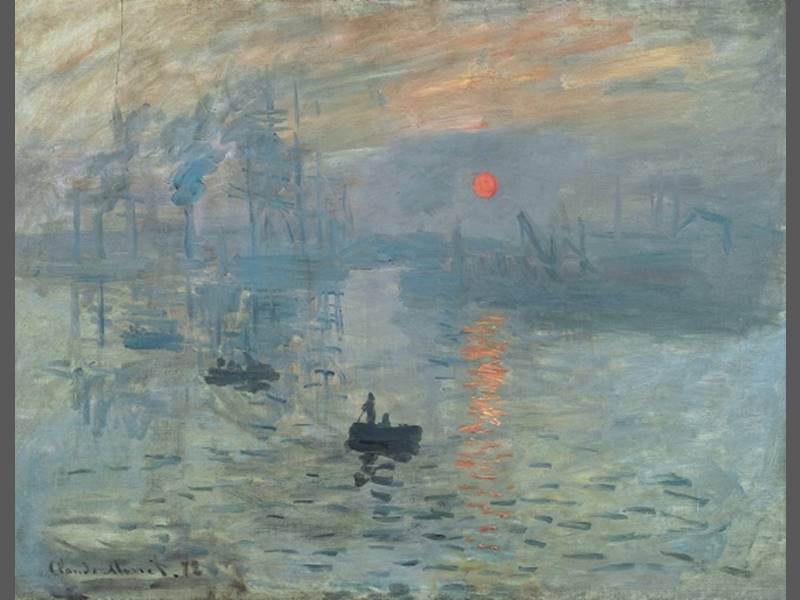


Image sources
- Van Gogh http://en.wikipedia.org/wiki/File:Vangogh.jpg
- Monet http://commons.wikimedia.org/wiki/File:Claude_Monet,_Impression,_soleil_levant.jpg
- George Seurat http://commons.wikimedia.org/wiki/File:Georges_Seurat_042.jpg?uselang=en-gb
- Rembrandt http://commons.wikimedia.org/wiki/File:Rembrandt_Harmensz._van_Rijn_058.jpg
WordPress note: not as many gallery options as on WordPress.com suggests a plugin required.
* Scratch is a free programming language and online community (from MIT) where you can create your own interactive stories, games, and animations.


Recent Comments