Creative Coding: Random shapes and colours and some delay counting
I don’t completely understand all of the code from the final example in this week’s lessons (w1_03), but I was able to make some changes and see the effect the way I expected. In particular I added random colours to the shapes, making the fill transparency also randomised.
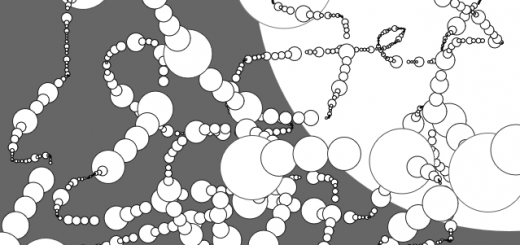
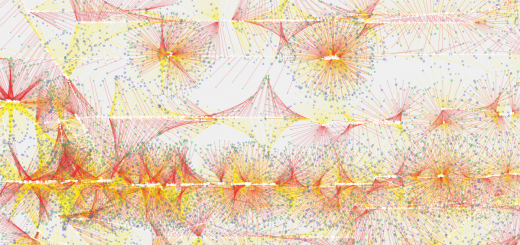
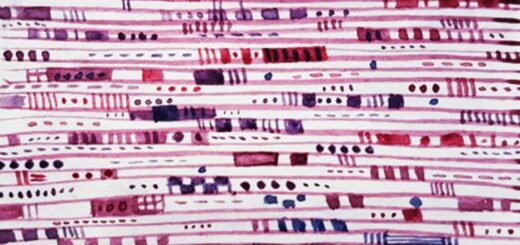
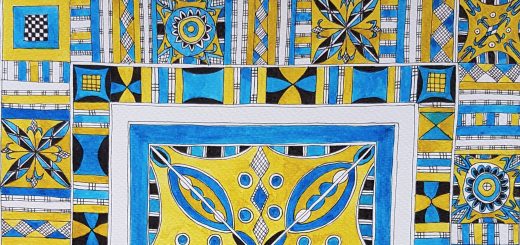
These are the images that I have made by drawing lines using the cursor and the code is below.
Images
Code
/*
 * Creative Coding
 * Week 1, 03 - Draw your name! (part 3)
 * by Indae Hwang and Jon McCormack
 * Copyright (c) 2014 Monash University
 * Modifications CC-BY Karen Cropper August 2015

 * This program allows you to draw using the mouse.
 * Press 's' to save your drawing as an image.
 * Press 'r' to erase all your drawing and start with a blank screen
 *
 */

// variables to store the delay and target counts
int delayCount;
int targetCount;

// setup function
void setup() {
  size(1200, 675); //altered canvas size from 500,500
  background(255); //background colour white 255

  delayCount = 0; //initialising variable
  targetCount = (int) random(5, 50); // set target count to a random integer between 5 and 50
}

// draw function
void draw() {

  /* draw a rectangle on your mouse point while you pressing
   the left mouse button*/

  int style; // defining a variable for style

  delayCount++; // increment delay count (shorthand for delayCount = delayCount + 1)

  // changes style if the two variables are equal - random between 0 and 4
  if (delayCount == targetCount) {
    style = (int) random(4);
    targetCount = (int) random(3, 10) ; // random number between 5 and 20 as an integer
    delayCount = 0;
  }
  else {
    style = 0;
  }

  if (mousePressed) {

    // to create random colors
    int iRed;
    int iGreen;
    int iBlue;
    int iTrans;

    iRed = (int) random(255);
    iGreen = (int) random(255);
    iBlue = (int) random(255);
    iTrans = (int) random(100, 255);

    stroke(iRed, iBlue, iGreen);  // started as black (0)
    fill(iRed, iBlue, iGreen, iTrans);  //started as black (0)

    // switch statement defining the styles for each random number
    switch(style) {
    case 0:
      // draw a point
      strokeWeight(5); // added to see if could see line better
      point(mouseX, mouseY);
      break;

    case 1:
      // draw a circle with random radius
      strokeWeight(2); // added to see if could see line better
      float esize = random(4, 40); // started at 1, 20
      ellipse(mouseX, mouseY, esize, esize);
      break;

    case 2:
      // draw a random sized rectangle
      strokeWeight(2); // added to see if could see line better
      float qsize = random(1, 20); //started at 1, 10
      quad(mouseX-qsize, mouseY, mouseX, mouseY-qsize, mouseX+qsize, mouseY, mouseX, mouseY+qsize);
      break;

    case 3:
      // draw a triangle with random size
      strokeWeight(2); // added to see if could see line better
      float tsize = random(1, 10); //started at 1, 5
      triangle(mouseX-tsize, mouseY+tsize, mouseX, mouseY-tsize, mouseX+tsize, mouseY+tsize);
      break;
    } // end of switch statement
  }


  // save your drawing when you press keyboard 's'
  if (keyPressed == true && key=='s') {
    saveFrame("artwork.png");
  }

  // erase your drawing when you press keyboard 'r'
  if (keyPressed == true && key == 'r') {
    background(255);
  }
}
What I’d like to do
I’d like to be able to make the colour change cycling through a rainbow rather than being random. I googled to find how to do it but the code I found so far doesn’t make sense to me. I don’t want to just cut and paste code so I need to unpick it to make sense of it.

Recent Comments